
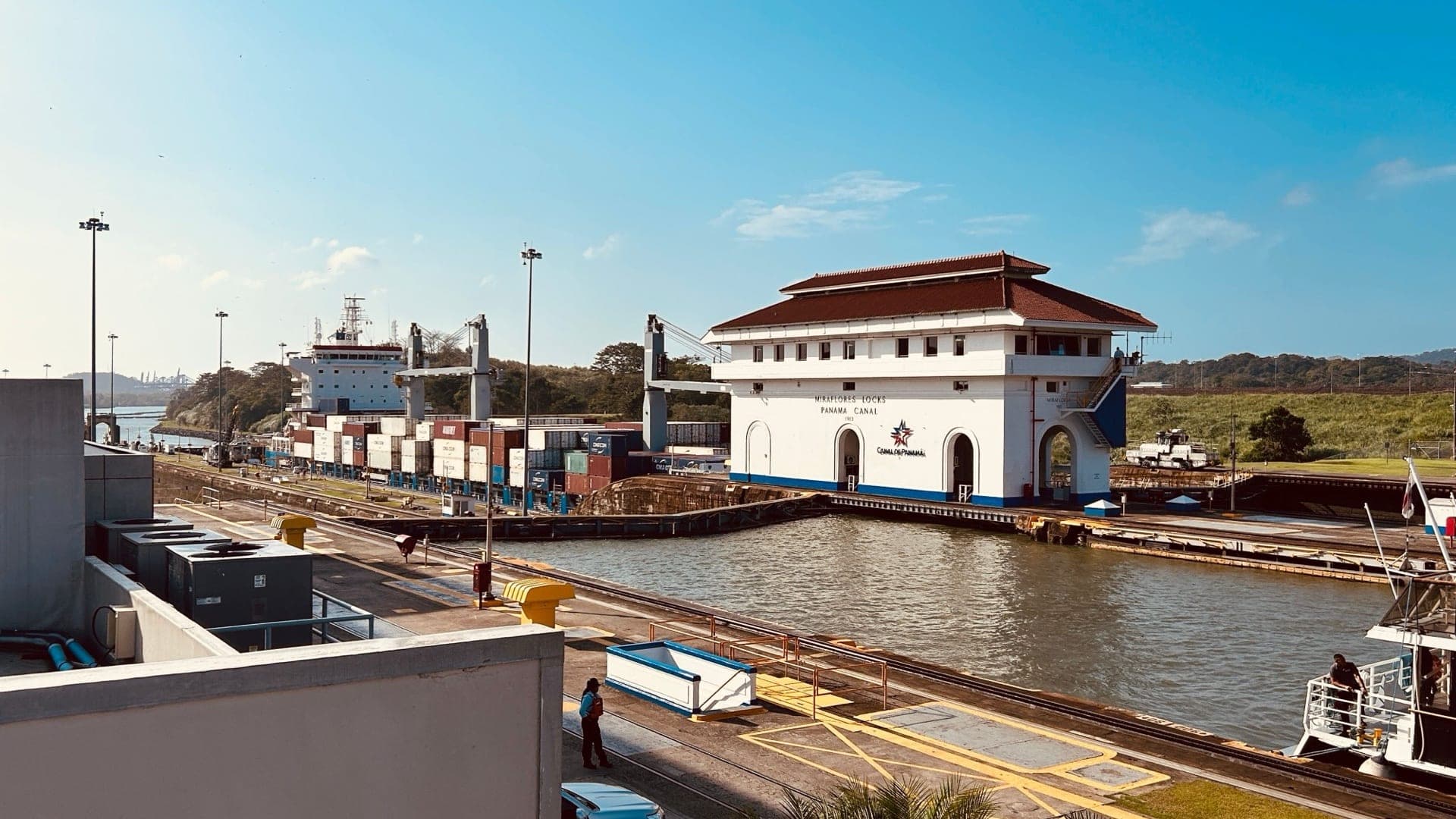
 Panama eSIM
 — Panama City, the Canal and Bocas del Toro
A BellRoam Panama eSIM gives you mobile data across Panama without buying a SIM on arrival. Receive the QR code by email, install it before you fly and switch it on when you land in Panama City.
Network and coverage
| Network | movistar |
| Strong coverage | Panama City, the Canal and Miraflores Locks, Boquete, Bocas Town and the Pan-American Highway |
| Weaker spots | The San Blas (Guna Yala) islands, the Darién and remote Bocas del Toro beaches |
The network shown on each plan is the one your eSIM connects to.
Which plan should I choose?
- A few days in Panama City: maps, messaging, ride-hailing and social media fit in a small total-data plan.
- Two weeks including San Blas: choose a mid-size plan if you navigate all day, upload photos or share a hotspot.
- Remote work or lots of video: pick the largest plan and use Wi-Fi for big downloads.
eSIM, local SIM or roaming?
| BellRoam eSIM | Airport SIM | Roaming from home | |
|---|---|---|---|
| Ready when you land | Yes, installed before you fly | After queueing and registration | Yes |
| Keep your own number | Yes, on your main SIM | You swap SIM cards | Yes |
| Cost | Prepaid, fixed price | Tourist prices at the airport | Often the most expensive |
Tips for Panama
- Uber works well in Panama City.
- Expect little or no signal in the San Blas islands; download maps and tell people you will be offline.
Visiting more than Panama?
A Panama plan works in Panama only. Visiting neighbours too? Buy a plan for each country: Costa Rica, Colombia.
Get connected in 3 steps
- Choose a plan by data amount and validity, then pay by card, PayPal or wallet.
- Receive your QR code by email within minutes.
- Scan it in your phone's settings, then turn on the BellRoam line and data roaming in Panama.
If the eSIM cannot be installed or activated because of a fault on our side or the network's, you get a full refund under our refund policy. See also the installation guide and compatible devices.